
One Bundle. Endless Presentations.
Stop searching through dozens of presentation templates just to find the right timeline, team slide, chart, roadmap, or pricing layout.
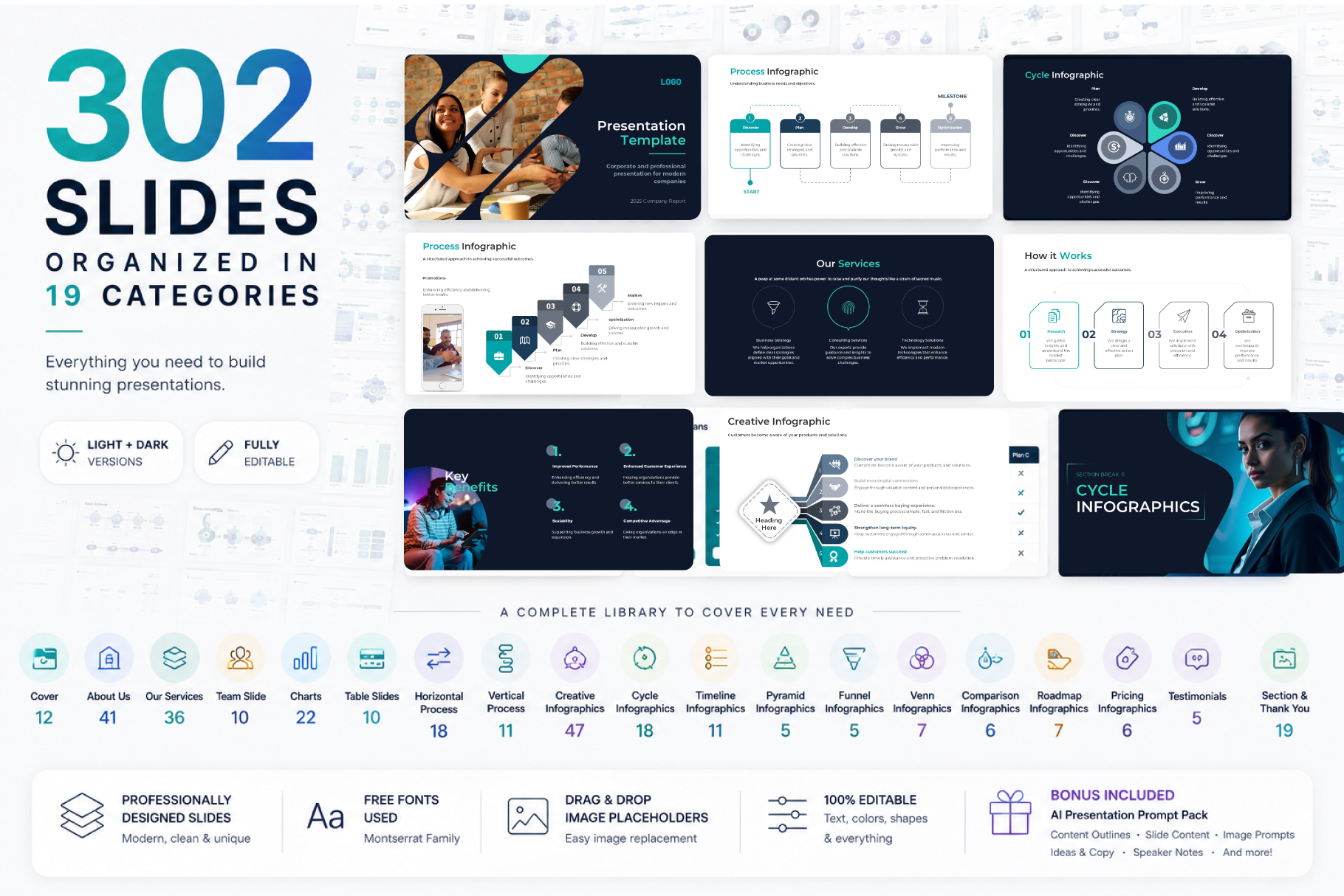
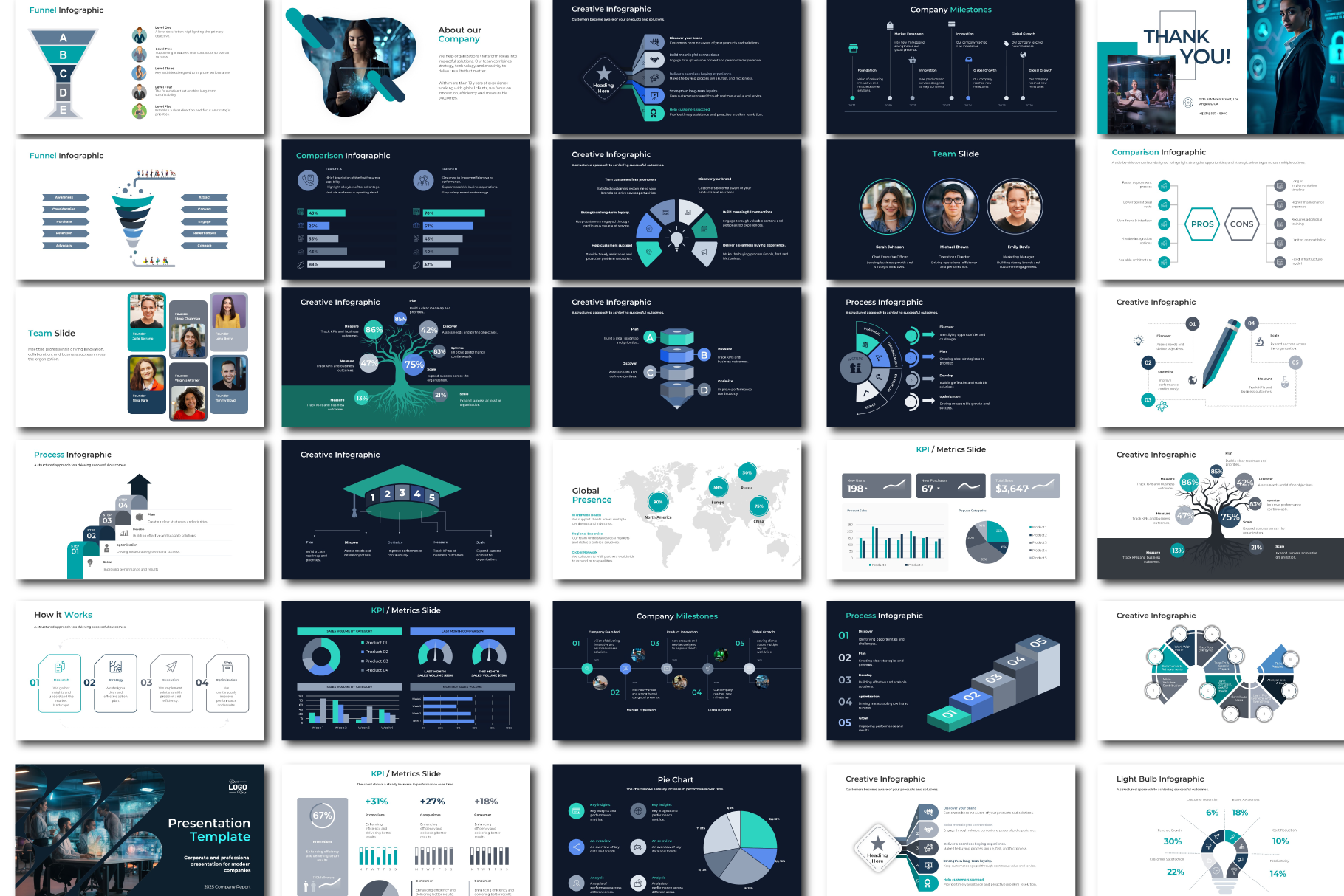
The Ultimate Business Presentation Bundle brings everything together in one organized presentation system with 302 professionally designed slides.
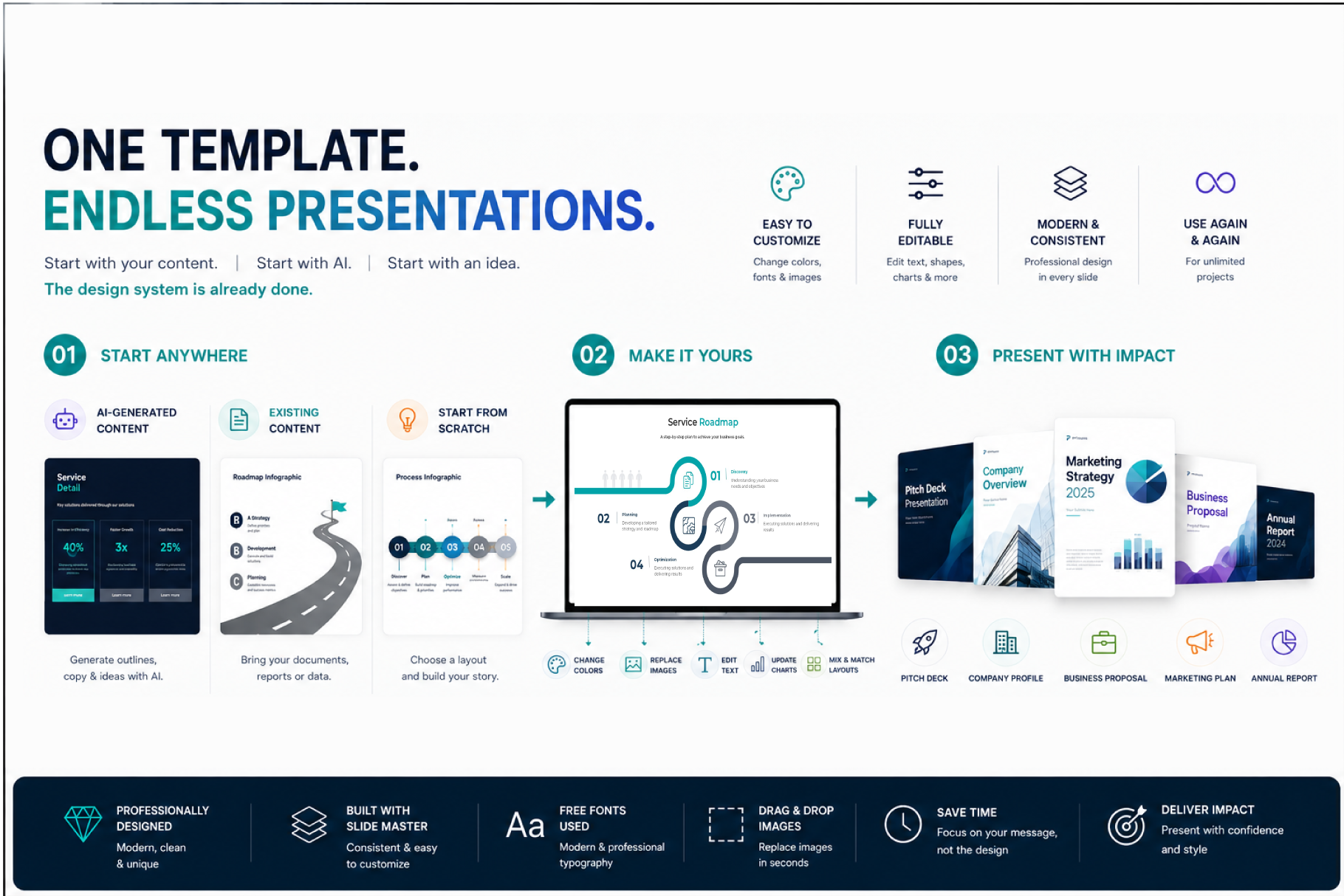
Choose the category you need, select your favorite layout, replace the content, customize the colors, and build your presentation faster.
You don’t need to use all 302 slides at once.
The idea is simple: have the right slide ready whenever you need it.
What’s Included
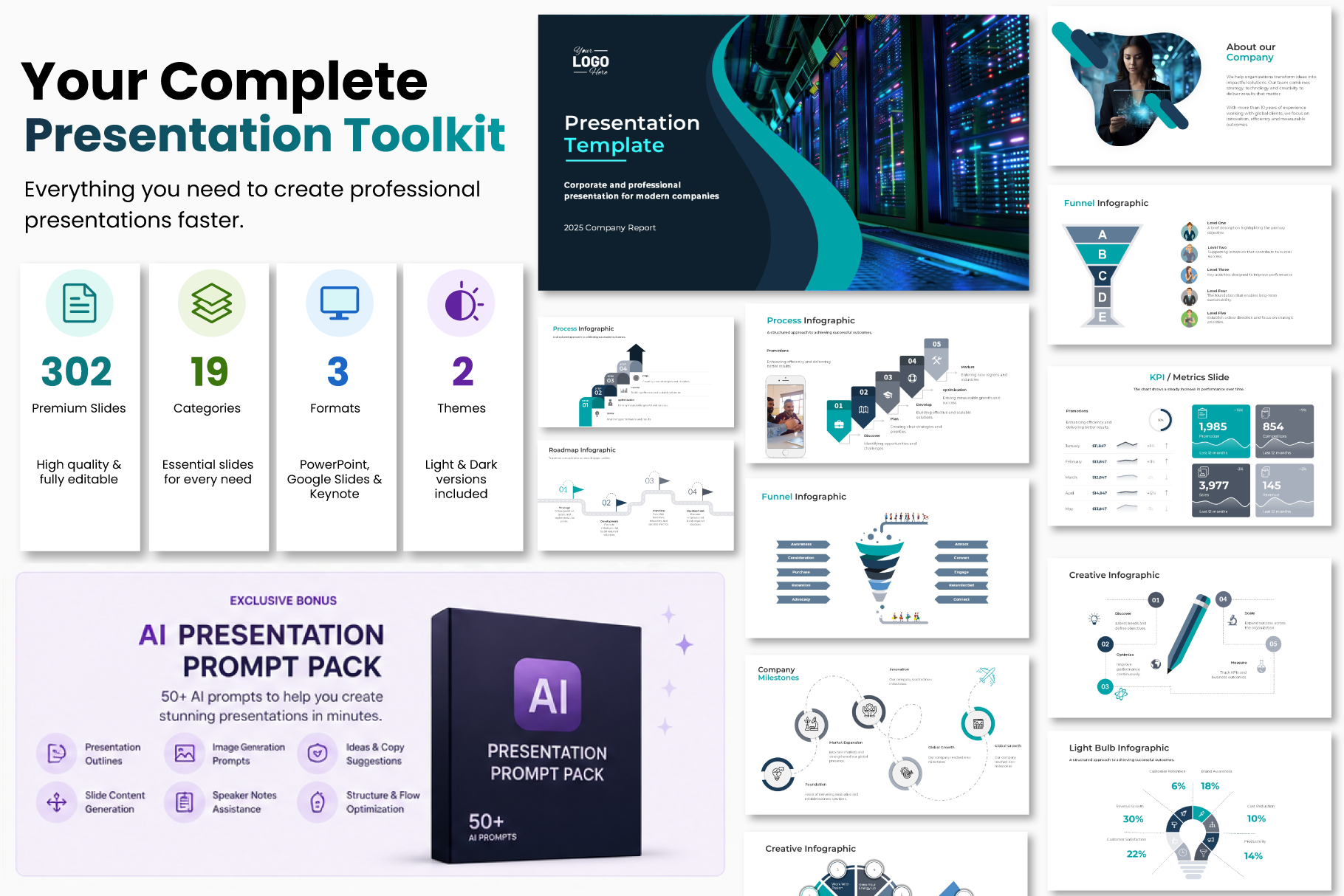
The bundle includes six complete presentation files:
PowerPoint
- Light Version
- Dark Version
Google Slides
- Light Version
- Dark Version
Keynote
- Light Version
- Dark Version
Plus:
- AI Presentation Prompt Pack – Premium Edition
- Read Before Using / User Guide
- Image replacement instructions
- Font information
- Google Slides access instructions
302 Slides Organized Into 19 Categories
The bundle includes layouts for:
- Cover Slides
- About Us
- Services
- Team
- Charts & Dashboards
- Tables
- Horizontal Process Infographics
- Vertical Process Infographics
- Creative Infographics
- Cycle Infographics
- Timeline Infographics
- Pyramid Infographics
- Funnel Infographics
- Venn Diagrams
- Comparison Slides
- Roadmaps
- Pricing Slides
- Testimonials
- Thank You Slides
This makes it easy to build different types of presentations without starting from scratch every time.
Perfect For
Use the bundle to create:
- Business presentations
- Company profiles
- Sales presentations
- Marketing presentations
- Project proposals
- Client presentations
- Strategy decks
- Reports
- Pitch decks
- Training presentations
- Startup presentations
- Internal presentations
- Consulting presentations
- Portfolio presentations
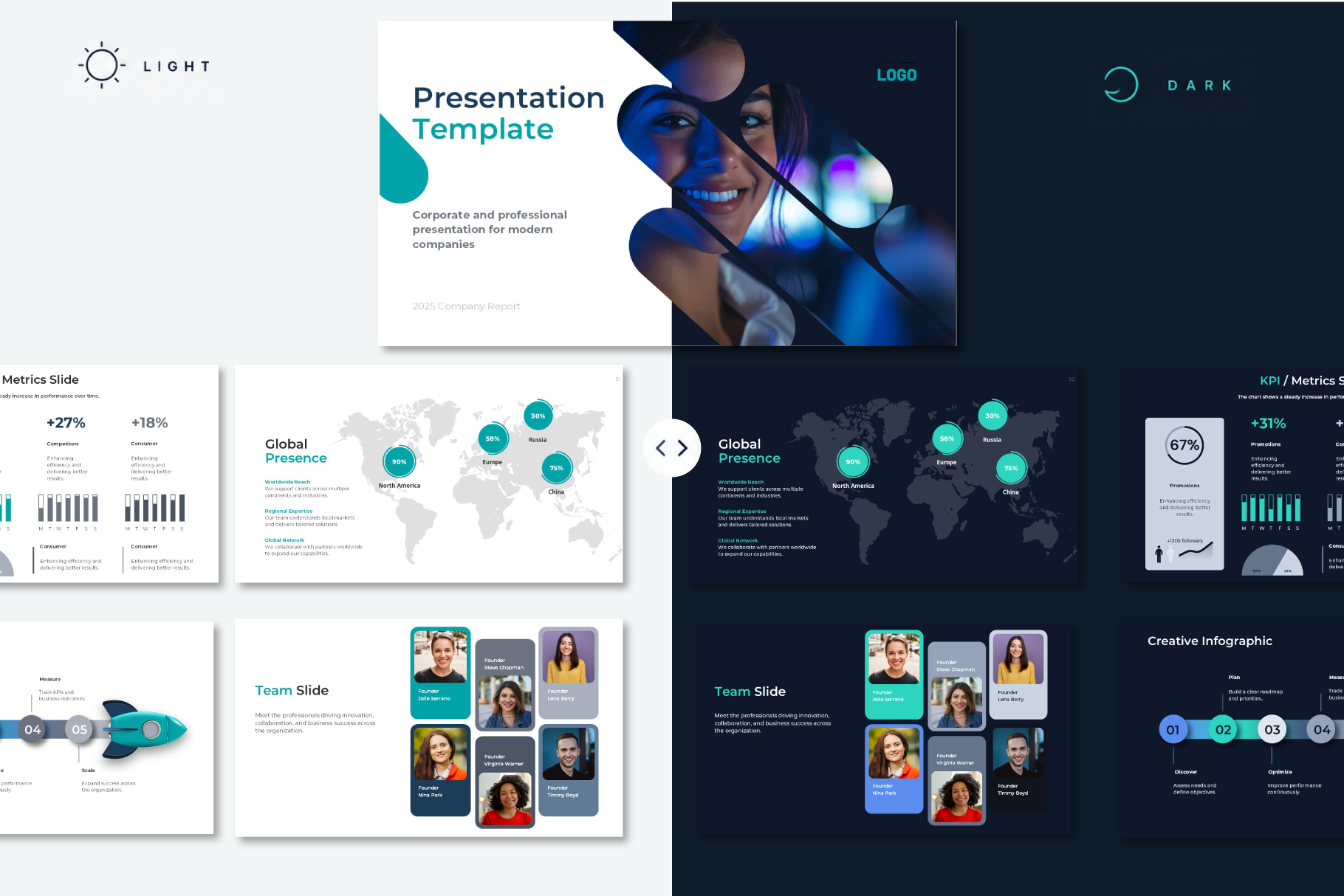
Light & Dark Versions
Choose the style that best fits your presentation.
The Light Version is ideal for clean, modern, and professional presentations.
The Dark Version creates a more premium, bold, and high-impact visual style.
Both versions include the same presentation system, so you can easily switch styles depending on your project.
Use Your Favorite Presentation Software
The bundle includes dedicated versions for:
Microsoft PowerPoint
Google Slides
Apple Keynote
Each version has been reviewed and adjusted for its platform, including image replacement and layout compatibility.
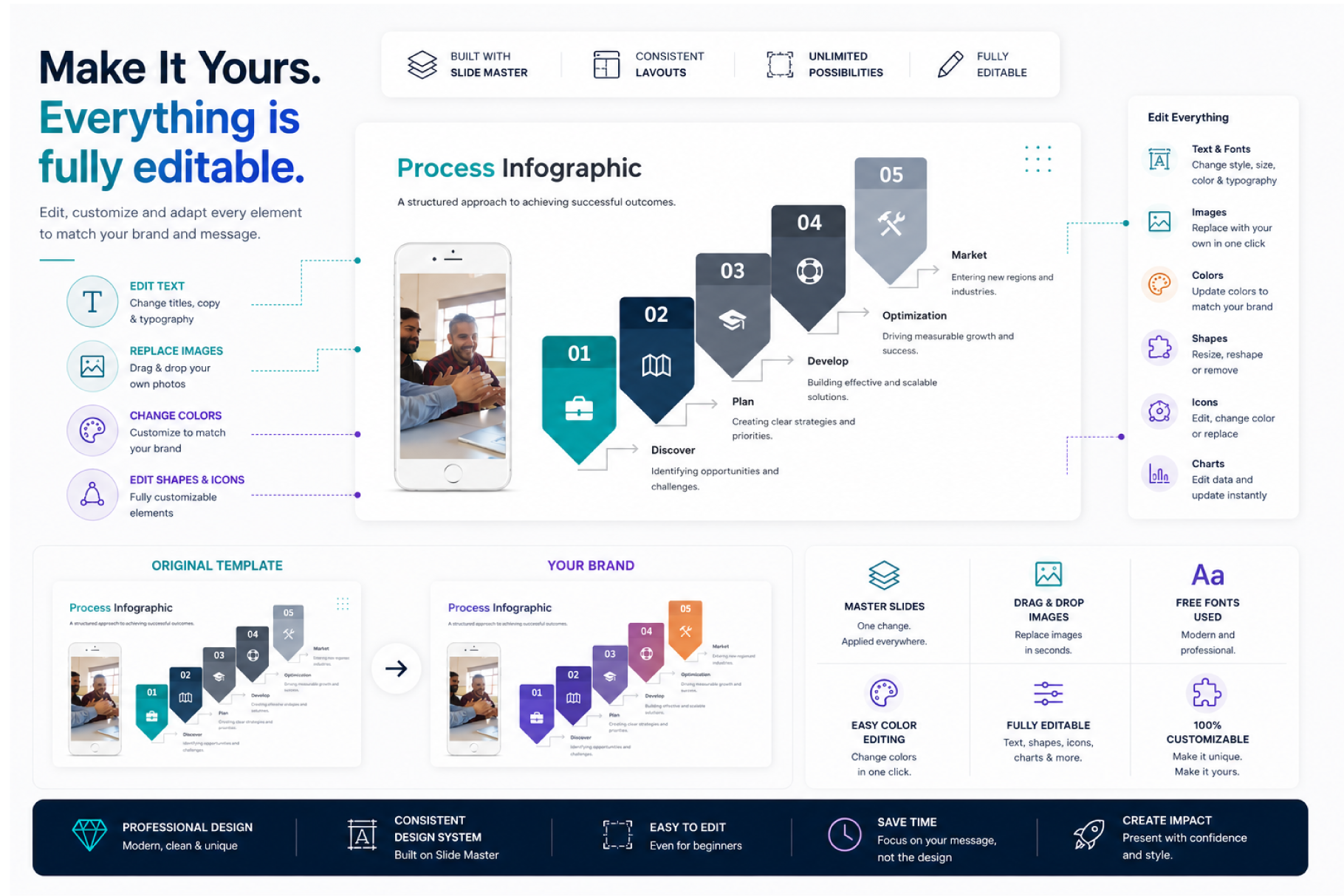
Fully Customizable
Make the template your own.
You can edit:
- Text
- Colors
- Fonts
- Shapes
- Icons
- Images
- Charts
- Backgrounds
- Layout combinations
The template uses theme-based colors where possible, making it easier to adapt the presentation to your own brand.
AI Presentation Prompt Pack Included
Not sure what to write in your presentation?
The bundle includes the AI Presentation Prompt Pack – Premium Edition, designed to help you create presentation content faster.
It includes prompts for:
- Complete presentation outlines
- Slide content
- Headlines
- Sales presentations
- Executive presentations
- Image ideas
- AI image prompts
- Speaker notes
- Data storytelling
- Chart recommendations
- Executive summaries
- Presentation reviews
- Final presentation checks
One of the strongest messages for the product could be:
AI helps you create the content.
This template helps you present it professionally.
Fonts
The template uses:
Headings: Montserrat SemiBold
Body: Montserrat
Montserrat is a free Google Font.
Font download and installation instructions are included in the User Guide.
Images
Preview images are not included.
Images shown in product previews are used for presentation and demonstration purposes only.
The editable templates include image replacement instructions so you can easily add your own licensed photos or generate new visuals using the included AI Presentation Prompt Pack.
Charts & Data
The PowerPoint version offers the best compatibility for Microsoft Excel-based chart editing.
Some chart elements may appear as visual/static elements after conversion to Google Slides or Keynote.
If editing Microsoft Excel-based chart data is important for your project, we recommend using the PowerPoint version.
Easy Workflow
You don’t need to design a presentation from scratch.
Simply:
1. Choose your presentation structure
2. Go to the category you need
3. Pick your favorite slide
4. Replace the content and images
5. Customize the colors
6. Present
Technical Details
Slides: 302 unique layouts
Categories: 19
Aspect Ratio: 16:9
PowerPoint: Included
Google Slides: Included
Keynote: Included
Light Theme: Included
Dark Theme: Included
AI Prompt Pack: Included
User Guide: Included
Font: Montserrat
Reviews
There are no reviews yet.